Bring a product image to life
Use a product image and a prompt to explore motion, context and a new way to showcase your product.
Image to video
Turn product images and creative direction into AI-generated product videos. Explore showcases, UGC-style talking videos and reference-led concepts for your next campaign.
Create a product videoOpens Nexscope · Account and credits may be required
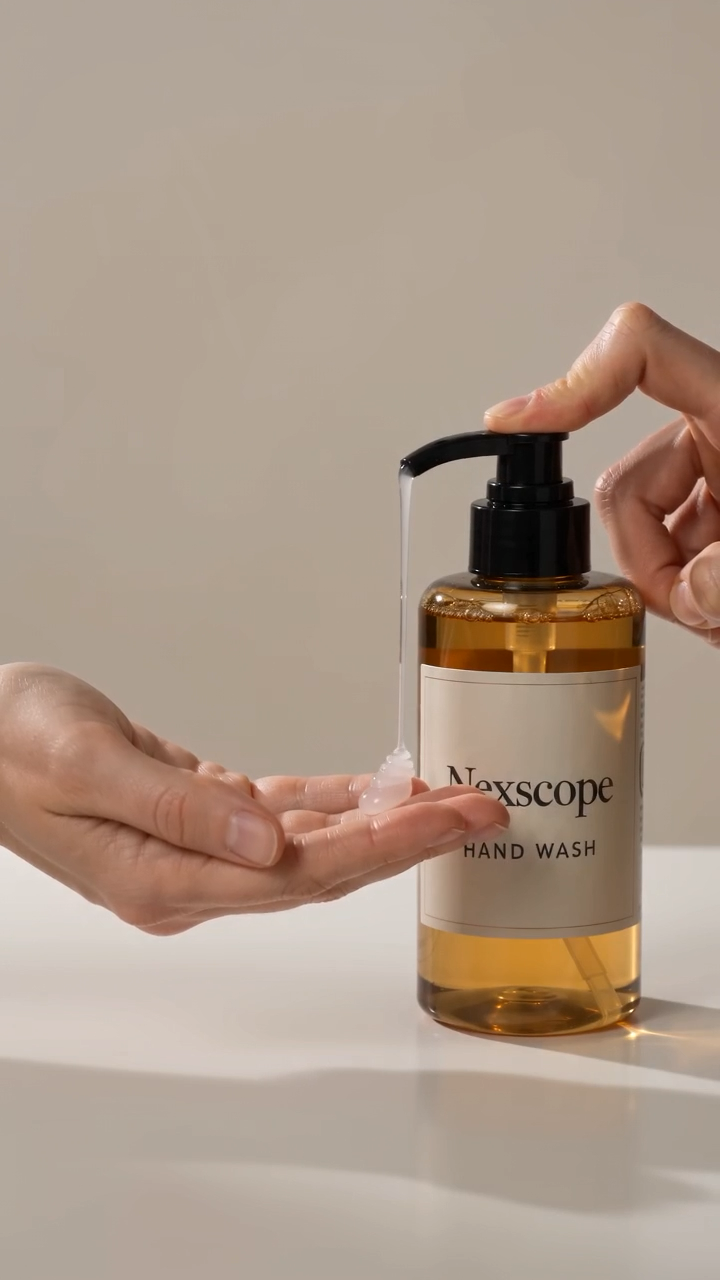 Product showcase
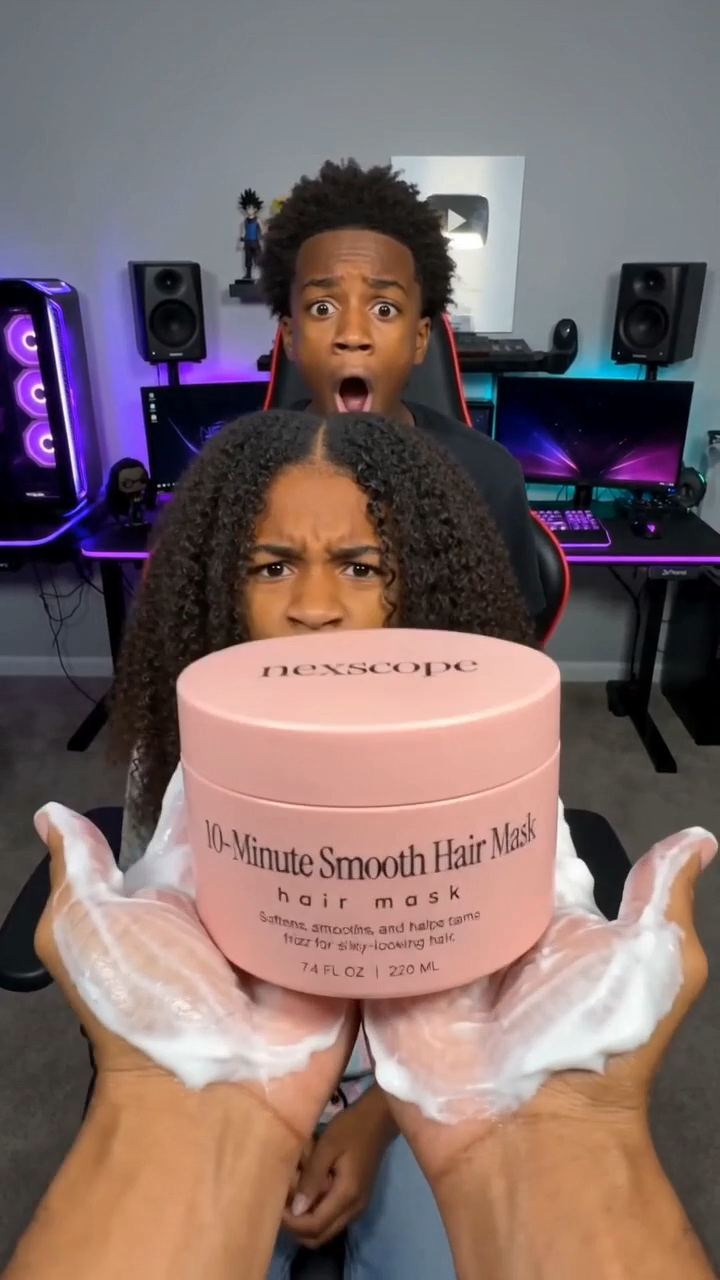 UGC-style creative
Nexscope example stills—not customer testimonials.
Start with the assets you already have. Explore a new scene, explain a product benefit or test a different creative direction.
Use a product image and a prompt to explore motion, context and a new way to showcase your product.
Image to videoCreate UGC-style talking concepts around your product and selling points. Review every claim before publishing.
Product talking videoUse authorized reference material to guide a new video. Review product accuracy and likeness rather than assuming an exact reproduction.
Video replication
Keep the workflow focused.
Keep the final decision yours.
No. AI-generated UGC-style videos are not evidence of a real buyer's experience. Do not present synthetic speakers as genuine customers or invent endorsements.
Review the applicable terms and ensure you have rights to all uploaded images, logos, people, music and other assets. Check platform disclosure requirements before publishing.
No. Generative video can contain visual errors. Review the output carefully, and revise or regenerate when product details are inaccurate.
Timing depends on the model, duration and processing demand. Check current settings and progress in the Nexscope workspace.
Create a concept. Review the details. Test it with your audience.
Create a product video