Show the details
Explore a slow camera move, a close-up or a simple studio scene. Check the label, shape and proportions before using a result on a product page.

Give your product photo a new creative direction. Use Nexscope's AI video generator to turn an image and a motion prompt into a video concept for your store, social feed or next ad test.
Try the AI video generator
New users get 1,000 free credits.
Sign-in
required. Credit usage varies by model and settings.
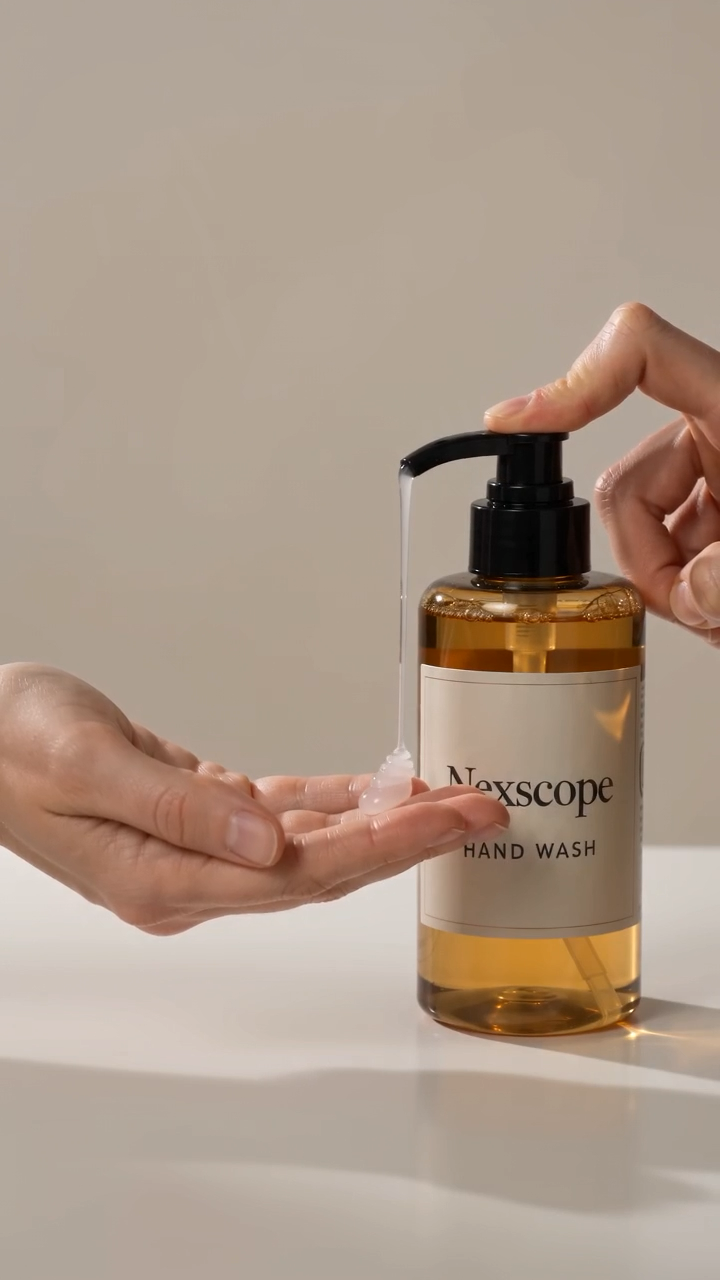 Product details in focus
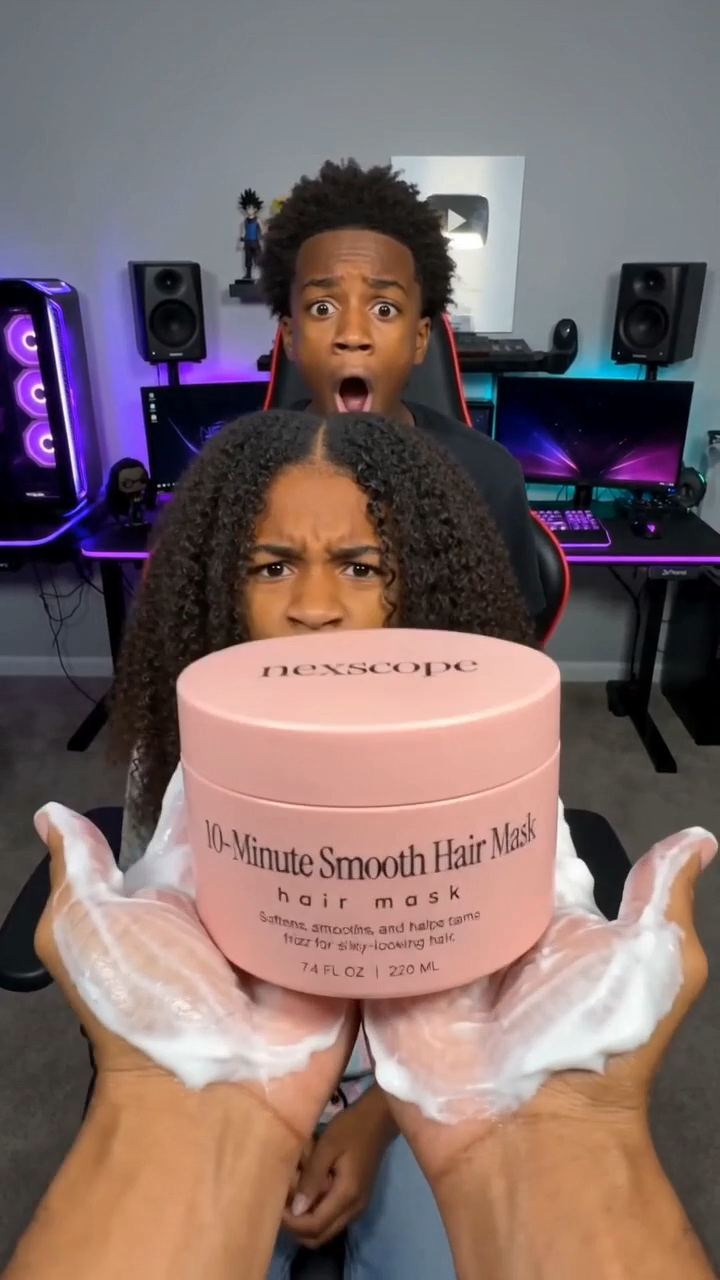 A new presentation idea
Existing Nexscope showcase stills. AI-generated examples; results vary.
A good product photo already communicates shape, material and detail. Image-to-video generation gives you a way to explore how that product could look in motion—without starting every concept from a blank page.
Explore a slow camera move, a close-up or a simple studio scene. Check the label, shape and proportions before using a result on a product page.
Try a new setting and a focused action for your next social post. Select an aspect ratio supported by the model for your intended placement.
Keep the product image consistent while changing the camera movement or background. Review the results to decide which concept deserves another iteration.
Generation happens in the official Nexscope tool. This page helps you choose a starting point.
Create your first video“Slowly push the camera toward the product on a warm, neutral studio surface. Use soft side lighting. Keep the product centered and finish with a steady close-up of its main detail.”
A prompt idea—not a guarantee of output. Add details specific to your uploaded image.
Start with a slow push-in or gentle orbit. A focused direction is easier to evaluate than several competing actions.
Name the surface, lighting and background. Choose a scene that makes the product easy to understand.
Inspect packaging text, logos, product geometry and claims. Generative video can introduce details that were not in your source image.
Nexscope's tool currently lists models including Seedance, Kling, Wan and MiniMax. Available duration, resolution, reference inputs and credit estimates vary by selection.
Compare suitable models with the same photo and prompt. Judge product fidelity, motion and framing—not just the model name. Check the live generator for current options.
Compare options in the generator ↗It uses an input image and a text prompt to create a moving scene. Nexscope's tool focuses on ecommerce product photos, with a choice of models and supported video settings.
New Nexscope users receive 1,000 free credits. Generating a video uses credits according to the model and settings. Check the estimate before generating; free credits do not mean unlimited videos.
No API key needs to be entered in the web tool. Sign in with your Nexscope account to upload images and generate. Developer API access has separate requirements.
This tool is focused on image-to-video generation. Supply the images required by your chosen model, then use text to direct the scene and motion.
Choose based on your image inputs, target duration, resolution, aspect ratio and credit estimate. There is no single best model for every product; compare outputs using the same image and prompt.
Generation runs as a background task. Timing depends on the model, settings and demand. The tool shows progress and the available output when the task completes.
Check applicable terms, rights to your assets and platform disclosure requirements. Review the output for accuracy before publishing. AI-generated examples are not real customer endorsements.
Open the generator, choose your model and give your product a new scene.
Try the AI video generator1,000 free credits for new users · Usage varies by model and settings