
What can the new Codex models do for ecommerce?
By Nexscope Team · Published September 17, 2026 · Updated September 17, 2026
Imagine asking Codex to evaluate the portable-blender market, identify competing Amazon products, find recurring complaints, discover keyword gaps, audit a product page, and turn the evidence into a prioritized launch plan. Codex can plan the work and write the software, but it still needs current, specialized ecommerce data to support its conclusions.
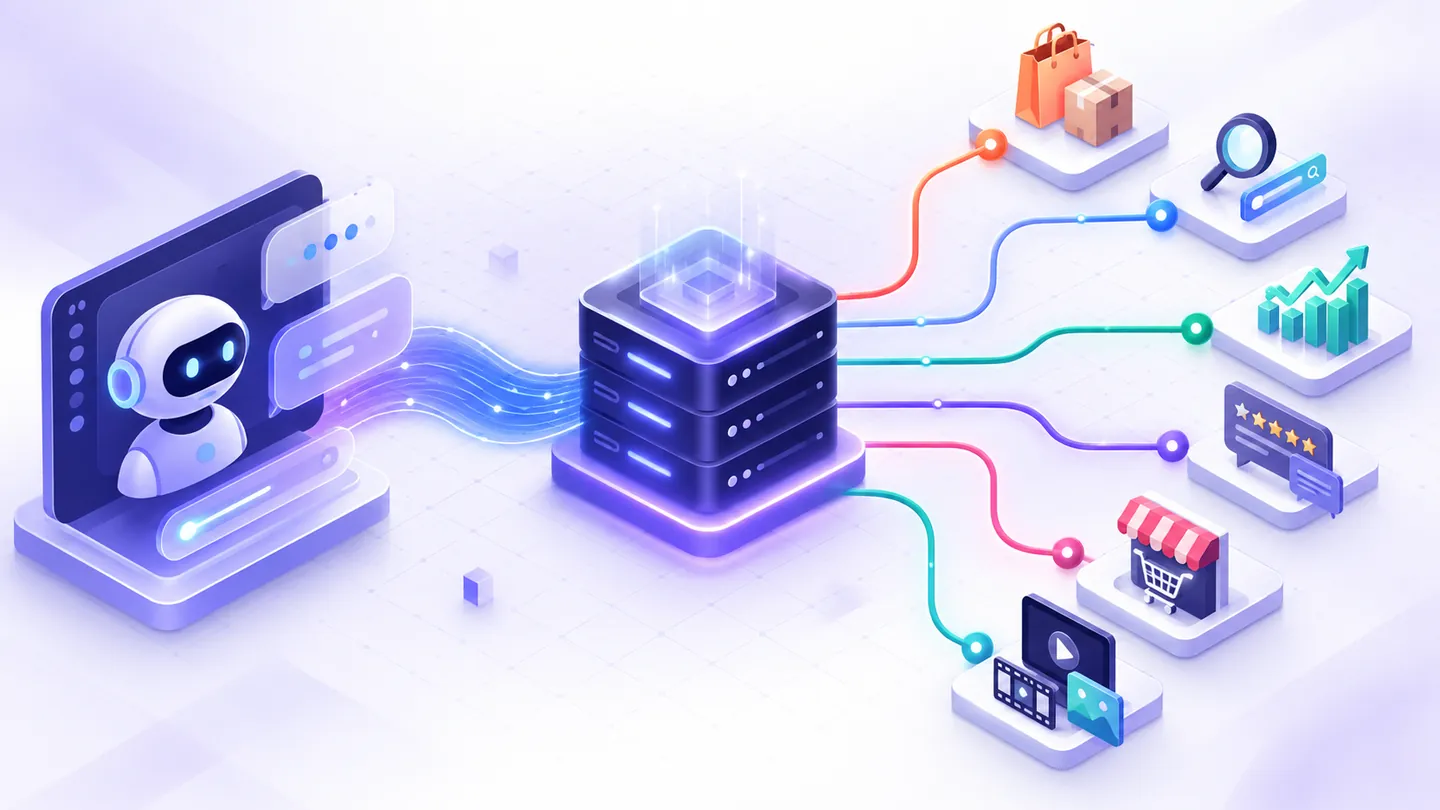
Combining Codex with Nexscope REST APIs closes that gap. Codex provides reasoning, code generation, file operations, and workflow execution. Nexscope provides documented ecommerce, marketplace, SEO, AI-visibility, sourcing, and creative APIs. The result is an evidence-backed ecommerce workflow that can be reviewed and repeated.
Key takeaways: Codex is the planner and executor; Nexscope APIs are specialized data and generation services. Together they can automate research and reporting, but they do not remove the need to verify source data, protect credentials, and approve consequential actions. Use REST endpoints documented for the selected capability, keep raw evidence, and separate facts, estimates, missing values, and AI suggestions.
Which new models can Codex use?
The current OpenAI model lineup gives Codex users several choices for coding and agentic work. It is more accurate to describe these as new OpenAI models available for Codex workflows than as one model named “Codex.” Model access can vary by product, account, and host, so check the model selector available to your task.
| Model | Official positioning | Practical ecommerce fit |
|---|---|---|
| GPT-6 Astra | OpenAI’s most capable model for difficult end-to-end work | Long, high-complexity workflows that combine research, coding, computer use, validation, and document creation |
| GPT-5.6 Sol | Flagship model for complex professional work | A strong default for building integrations, analyzing several API responses, and changing a codebase |
| GPT-5.6 Terra | Balances intelligence and cost | Recurring research jobs, dashboards, and well-scoped production workflows |
| GPT-5.6 Luna | Optimized for cost-sensitive workloads | High-volume classification, normalization, and straightforward extraction with a tightly defined schema |
OpenAI’s current model directory recommends GPT-6 Astra for the hardest complex reasoning and coding work and describes the GPT-5.6 tiers by their quality-and-cost tradeoffs. The GPT-6 Astra model guide also documents features for long workflows, including asynchronous tool calls and mid-turn steering. The model does not make an ecommerce claim true by itself; current source evidence still has to come from an appropriate data source.
What is the difference between Codex and a Nexscope API?
Codex is an agent that plans and performs work in a software environment. A Nexscope API is a documented service that returns ecommerce data or runs a specialized operation. They solve different parts of the same workflow.
| Layer | Responsibility |
|---|---|
| Codex | Understand the goal, inspect documentation, write and run code, call REST endpoints, transform responses, create files, test the workflow, and explain results |
| Nexscope REST API | Return documented marketplace, product, review, keyword, webpage, search, AI-visibility, sourcing, or creative results |
| Your application | Store credentials, enforce permissions, schedule jobs, retain data, display results, and record approvals |
| Human reviewer | Validate important evidence and approve publishing, purchasing, listing changes, or advertising decisions |
This separation matters. Codex should not invent a product attribute that an API did not return, and an API response should not be treated as a finished business decision without interpretation and verification.
What ecommerce workflows can Codex and Nexscope APIs build?
The strongest workflows start with a narrow decision, request only the evidence needed for that decision, and preserve the source response. The following ten examples use Nexscope’s documented REST capabilities directly.
1. Keyword to market-opportunity brief
Start with one seed query and use the SEO and marketing API directory to select the relevant keyword and search endpoints. Codex can normalize the returned terms, group them by intent, compare available demand and competition fields, and produce a brief organized around customer needs.
The report should retain the market, language, date, and provider for each metric. Google keyword data should not be labeled as Amazon search volume.
2. Amazon keyword to competitor map
Use the Amazon Search API to find products for a documented marketplace and query. Codex can select comparable ASINs, create a consistent comparison table, highlight missing fields, and generate follow-up requests for product or competitor details.
The output can answer questions such as which price bands appear, which features are common, and which product attributes are poorly explained. Provider estimates must remain labeled as estimates.
3. Competitor ASIN to keyword-gap report
After identifying relevant ASINs, use the Amazon ASIN Keywords API for reverse keyword research. Codex can compare several returned keyword sets, remove duplicates, group terms by intent, and map each cluster to an existing or proposed page.
This is useful for building a research backlog. It does not prove that a keyword will rank or convert for a different product.
4. Low-star reviews to product-improvement hypotheses
Request a recent sample with the Amazon Reviews List API. Codex can preserve the returned review identifiers, group comments by issue, quote short evidence snippets, and distinguish an observed complaint from a proposed improvement.
A useful report might turn “the cup is hard to clean under the blade” into a testable cleaning-access requirement. It should not convert five complaints into a market-wide defect rate.
5. Product URL to SEO action list
Use webpage, SERP, keyword, and backlink capabilities from the marketing API directory. Codex can compare the collected page evidence with the target query, propose metadata and heading changes, add internal links, implement JSON-LD, and prepare a reviewable code change.
The API evidence supports diagnosis; Codex performs the code and content work. Neither one can guarantee a ranking increase.
6. Public AI citations to a GEO research log
Select the relevant AI-visibility capability in the marketing docs and record the prompt, platform, market, date, response, and cited pages. Codex can repeat a fixed prompt set, calculate an observed mention rate, compare cited source types, and recommend content gaps to investigate.
AI answers are non-deterministic. “Cited in three of five runs” is more useful than “the brand ranks first in AI,” because it preserves the sample size and avoids claiming a stable position that may not exist.
7. Product image to a sourcing shortlist
Send an eligible public image URL to the 1688 Search By Image API. Codex can normalize candidate names, prices, minimum-order quantities, and available seller information into a shortlist.
Supplier identity, availability, samples, certifications, and commercial terms still require independent verification before purchasing.
8. Store or niche to a social-commerce research report
Use documented Shopify and TikTok Shop research capabilities, starting with the Shopify Product Query API where relevant. Codex can compare product positioning, identify repeated creative angles, organize creator or video references, and create a dated competitor brief.
These are public research workflows. They do not automatically connect a merchant’s private store, orders, advertising account, or customer records.
9. Product assets to a repeatable creative pipeline
The creative API directory documents background removal, image generation or editing, and video-generation capabilities. Codex can validate input files, submit a task, retain its task ID, poll the documented status endpoint, and organize completed media with its prompt and settings.
Creative generation can be asynchronous. Poll the existing task instead of repeating the generation request, which may create another billable job.
10. Multi-source ecommerce research dashboard
Developers can combine selected keyword, product, review, page, and AI-visibility endpoints behind a server-side application. Codex can generate typed clients, database migrations, scheduled jobs, dashboards, tests, and data-export functions.
Start with one decision and a small endpoint set. A dashboard with fifty unverified metrics is less useful than a focused report that preserves five trustworthy fields and explains their limits.
How can a regular Codex user use Nexscope APIs?
A regular Codex user does not need to hand-write the entire integration. Codex can create and run a local script, but the user must provide legitimate API access and keep the key out of source control and chat messages.
- Open the exact Nexscope API documentation page for the capability you need.
- Store the API key in a local environment variable such as
NEXSCOPE_API_KEY. Do not paste it into the prompt, commit it, or include it in screenshots. - Give Codex the documentation URL, the business question, the required output, and the verification rules.
- Ask Codex to create a read-only script first, save raw responses separately, and generate a human-readable report from those responses.
- Review the evidence before allowing the workflow to publish content or change an external system.
A useful prompt is:
Build a local, read-only competitor review workflow using the Nexscope REST API.
Read the API key from the NEXSCOPE_API_KEY environment variable and never print it.
Use only the endpoint, request fields, and response fields documented at:
https://www.nexscope.ai/api-docs/amazon-reviews-list?view=api

Inputs: one ASIN, marketplace, and requested low-star sample size.
Save the unmodified response as timestamped JSON, then create a Markdown report that:
- links every finding to returned review evidence;
- separates observed facts, provider estimates, missing values, and suggestions;
- does not infer a product-wide defect rate;
- stops with a clear error if the API returns an incomplete or undocumented response.
Do not publish, purchase, or modify a listing.
This prompt defines the source, credential boundary, evidence format, and actions the agent may not take. That makes the result easier to inspect than “analyze this product.”
How should a developer integrate the APIs?
Production integrations should call Nexscope APIs from a trusted server, not directly from browser code. Copy the endpoint, payload, authentication method, and response schema from the selected documentation page; they can differ between capabilities.
const apiKey = process.env.NEXSCOPE_API_KEY;
const endpoint = process.env.NEXSCOPE_ENDPOINT;

if (!apiKey || !endpoint) {
  throw new Error("Missing server-side API configuration");
}

const response = await fetch(endpoint, {
  method: "POST",
  headers: {
    Authorization: `Bearer ${apiKey}`,
    "Content-Type": "application/json",
  },
  body: JSON.stringify(payloadFromTheSelectedApiDocs),
});

if (!response.ok) {
  throw new Error(`Nexscope request failed with HTTP ${response.status}`);
}

const rawEvidence = await response.json();
The example intentionally leaves endpoint and payloadFromTheSelectedApiDocs configurable. Inventing a shared payload for unrelated APIs would make the tutorial look simpler while producing unreliable integrations.
A production implementation should also:
- validate inputs before spending credits;
- keep secrets in a server-side secret manager;
- record the endpoint, request time, market, and response identifier;
- preserve the raw response before transforming it;
- use typed schemas and reject unexpected shapes;
- distinguish retryable transport failures from invalid requests;
- poll asynchronous creative tasks by task ID;
- avoid logging keys, tokens, private customer data, or complete sensitive payloads;
- put human approval before publishing, purchasing, changing listings, or spending advertising budget.
What would a complete product-research workflow look like?
Suppose a seller is considering a portable blender for commuters. The business question is not “Is this a good product?” A better question is: “Which buyer needs are visible in current search and competitor evidence, and what should we validate before building a product page?”
Codex can orchestrate the following sequence:
- Define the decision. Specify the market, price band, use case, and output format.
- Research buyer language. Request relevant keyword and SERP evidence and group it into portability, power, cleaning, capacity, and safety needs.
- Find comparable products. Use Amazon search to collect a documented candidate set.
- Inspect competitor keywords. Request reverse ASIN keywords for the most relevant products.
- Collect complaint evidence. Request recent low-star reviews and preserve their source identifiers.
- Form hypotheses. Convert recurring complaints into questions such as “Can the blade area be cleaned without direct hand contact?”
- Audit the proposed page. Check whether important, verified attributes are explicit in the page, feed, and structured data.
- Create a review package. Produce raw JSON, a comparison table, a Markdown decision brief, and a list of claims that still need testing.
The final report should separate four categories:
| Category | Example |
|---|---|
| Observed fact | Three returned reviews mention difficulty cleaning beneath the blade |
| Provider estimate | An estimated sales or traffic field returned by a documented provider |
| Unknown | The actual defect rate across all customers |
| Hypothesis | A removable blade assembly may reduce the cleaning complaint |
That distinction is more valuable than a confident one-paragraph recommendation because it tells the team what it knows and what it must still test.
Which model should you choose for each ecommerce workflow?
Choose the lowest-cost model that reliably completes your representative tasks. A larger model is useful when the workflow has ambiguous requirements, several tools, a large codebase, or difficult validation; it is unnecessary for every row classification.
| Workload | Reasonable starting point |
|---|---|
| Complex end-to-end build spanning code, research, browser work, and documents | GPT-6 Astra |
| Integration development and multi-source analysis | GPT-5.6 Sol |
| Recurring reports and well-specified application work | GPT-5.6 Terra |
| High-volume normalization or classification with strict schemas | GPT-5.6 Luna |
Test model choices against the same inputs and score factual accuracy, schema adherence, tool-call success, latency, and total cost per completed task. Do not select a model from a single impressive demonstration.
What limitations should you plan for?
- Codex is not a live ecommerce database. It needs current API or first-party data for current market claims.
- Returned samples can be partial. A review sample cannot establish the total review population or a defect rate.
- Search metrics are source-specific. Google demand should not be renamed Amazon demand.
- AI visibility observations vary. Record repeated runs and sample sizes instead of declaring a permanent rank.
- Creative outputs require review. Check product accuracy, claims, logos, text, and platform requirements.
- API access and credit use vary. Confirm the selected endpoint’s current authentication, subscription, and credit requirements before running it.
- Public research is not private account data. Do not describe public competitor evidence as Seller Central, Shopify Admin, advertising-account, or Merchant Center performance.
Frequently asked questions
Is Codex an ecommerce data source?
No. Codex is an agent that can plan work, write and run code, use tools, and transform data. Use a documented ecommerce API or authorized first-party connection for current product, review, keyword, or marketplace evidence.
Can Codex call Nexscope REST APIs directly?
Yes. Codex can write and run code that calls documented REST endpoints. The API key should be supplied through a secure environment variable or server-side secret store.
Do I need to be a developer?
Not for a small local, read-only workflow. A regular Codex user can ask Codex to create the script and report. Production applications still need engineering work for authentication, validation, storage, monitoring, and permissions.
Which Codex model should I start with?
GPT-5.6 Sol is a practical default for complex coding and professional work. Use GPT-6 Astra for the hardest multi-step workflows, Terra when balancing capability and cost, and Luna for tightly specified high-volume tasks. Actual availability depends on your OpenAI product and account.
Can this workflow automatically change Amazon or Shopify listings?
The public research APIs described here do not automatically connect private seller accounts. If you add an authorized write integration, keep a human approval step before changing listings, pricing, inventory, or advertising.
How should I protect the API key?
Keep it in an environment variable or secret manager, call APIs from a trusted server, redact it from logs, and never put it in prompts, browser code, screenshots, committed files, or GitHub Issues.
Do new users receive free Nexscope credits?
New Nexscope users receive 1,000 free credits to get started. Credit consumption and endpoint access vary by action. Trial credits do not imply unlimited use or access to every API, and creative API key access may require an active subscription.
Start with one decision, one API, and one reviewable output
The best first workflow is deliberately small. Choose one business question, one documented Nexscope endpoint, one saved raw response, and one report that links every conclusion to evidence. Once that workflow is reliable, Codex can help turn it into a tested application, recurring job, or dashboard.
Create a Nexscope account to receive 1,000 free credits, then inspect the Nexscope REST API documentation for the capability you want to test.
Sources
- OpenAI: Models, reviewed September 17, 2026
- OpenAI: GPT-6 Astra model guidance, reviewed September 17, 2026
- OpenAI: GPT-5.6 Sol model, reviewed September 17, 2026
- Nexscope API documentation, reviewed September 17, 2026
Last reviewed: 2026-09-17 · Maintained by the official Nexscope team.
Put your next idea to work.
Find a practical workflow, compare the options, or explore the APIs behind it.