
ChatGPT Images 2.5 for ecommerce product photos: a practical workflow
By Nexscope Team · Published September 20, 2026 · Updated September 20, 2026
ChatGPT Images 2.5 can help an ecommerce team explore product-photo variations and make more targeted edits, but a generated image is not proof that a product looks or performs that way. OpenAI announced the release on September 8, 2026, highlighting stronger reference-image fidelity, more precise editing, and more reliable multi-turn changes. This guide turns those claims into a reviewable workflow for a real SKU rather than promising a one-click replacement for approved photography.
The short answer: start with an approved product photo and a written list of details that must not change. Request one change at a time, compare each output with the source, and keep only variants that accurately represent the sellable SKU. If you later use a still for a video concept, review the resulting video independently. The goal is usable creative, not just more generated files.
What changed in ChatGPT Images 2.5?
OpenAI says Images 2.5 is better at preserving recognizable subjects from reference photos, changing only requested elements, and maintaining quality across successive edits. It also reports image-generation latency up to 50% lower than Images 2.0. That is an OpenAI comparison, not a Nexscope benchmark and not a guaranteed speedup for every job. The launch also introduced Sketch, templates, comments on images, and prompt sharing in ChatGPT. Read the official announcement.
For developers, the launch names two API models: GPT-Image-2.5 Flare, positioned as the default for most applications, and GPT-Image-2.5 Sunburst, positioned for more exacting premium visuals and editing. Availability, pricing, and usage rules belong to OpenAI’s API, not to Nexscope’s credit balance. The OpenAI system card describes the models and their safety controls.
| Change described by OpenAI | Useful ecommerce test | What it does not prove |
|---|---|---|
| Better reference fidelity | Try a new setting while holding bottle shape and label placement steady | That every SKU detail survives unchanged |
| More targeted edits | Replace a background or adjust lighting without rewriting the whole shot | That packaging text remains legally accurate |
| More consistent successive edits | Iterate on a campaign concept in separate steps | That quality never degrades after many edits |
| Faster generation | Produce and review more candidate directions | That the fastest output is ready to publish |
How should a seller use it for one real product?
The safest unit of work is one approved SKU, one source photo, and one change request. Treat the original image as the reference of record. An attractive variant that subtly changes capacity, color, accessories, or printed claims is a failed product image, even if it looks more polished.
- Write a source-of-truth card. Record the SKU, variant, actual color and material, package dimensions, label text, included accessories, permitted claims, and approved image rights. If a fact is unknown, do not invent it in the prompt.
- Choose the image’s job. A clean product-detail-page image and a conceptual social creative have different tolerances. Decide where the image may appear before generating it.
- Make one bounded edit. Begin with background, crop, or lighting. Specify the subject details to preserve. Save the original prompt, output, and date.
- Compare against the physical product and source photo. Zoom into labels, closures, proportions, reflections, surfaces, and anything a buyer might interpret as a feature.
- Run a second pass only if needed. Change one instruction, then recheck the entire result; a narrow edit can still introduce an unrelated difference.
- Publish with the right context. Use an accurate image for a listing. If the composition is illustrative rather than literal, label it clearly and comply with the destination platform’s current rules.
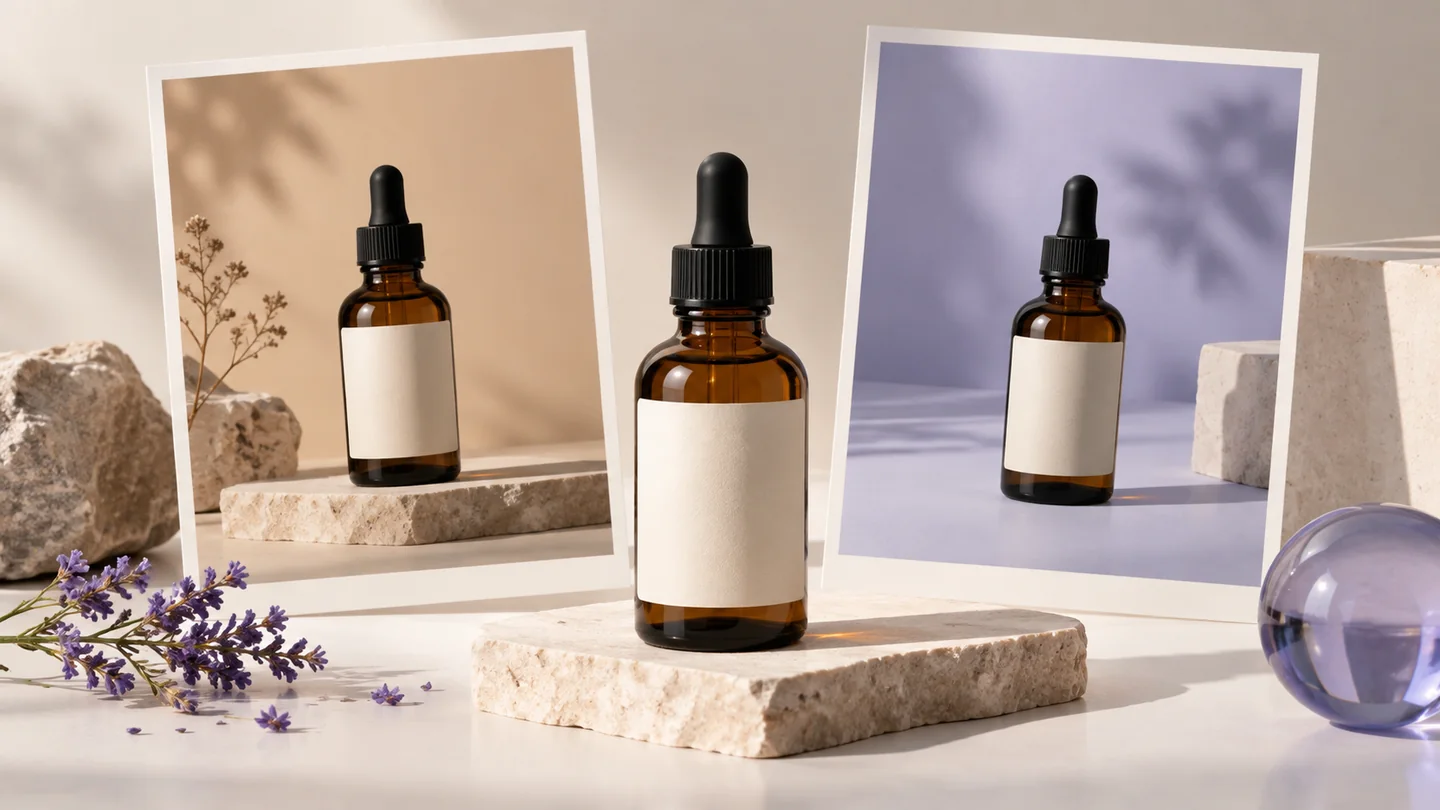
For example, a skincare team could test a warm bathroom-shelf setting for an unbranded sample bottle. That test does not authorize a claim about the actual formula or packaging. If the real bottle’s label is not readable in the source photo, add the approved copy through a controlled design step rather than trusting generated text.
A product-photo editing prompt to adapt
Use the attached approved product photo as the reference. Replace only the background with a warm neutral studio surface and soft side lighting. Keep the bottle’s shape, cap, color, label placement, proportions, and visible text exactly as in the source. Do not add ingredients, certification marks, accessories, people, or performance claims. Leave clear space around the product. If a detail is unreadable, do not guess it.
This is a prompt template, not a verified model output. A preservation instruction reduces ambiguity; it cannot guarantee perfect preservation. Compare the result against the source before using it commercially.
What should a product-image QA checklist include?
Use the same checklist for every candidate so a visually appealing result does not skip the factual review.
| Check | Pass condition | If it fails |
|---|---|---|
| Identity | Correct SKU, variant, shape, and actual color | Reject or regenerate from the approved source |
| Packaging | Labels, volume, ingredients, warnings, and logo match approved artwork | Replace text in a controlled design workflow; do not guess |
| Scene | No accessory or usage context suggests an included feature that does not exist | Remove the misleading object or scene |
| Claims | No implied certification, outcome, endorsement, or measured performance without evidence | Rewrite creative and check with the relevant reviewer |
| Channel | Crop, resolution, rights, disclosures, and marketplace or ad rules are appropriate | Adapt the asset before upload |
Keep a lightweight audit trail: source-file ID, approved SKU facts, prompt, model and interface used, generation date, reviewer, rejected issues, and final channel. That record helps creative teams explain why a variant was approved; it is more useful than an unsupported claim that “AI raised conversion.”
How can Nexscope fit into the workflow?
Nexscope does not claim to run ChatGPT Images 2.5 in this article. Use OpenAI’s image product or API according to its own access terms for the still-image step. Nexscope can support adjacent ecommerce work: use customer review analysis to identify buyer questions, use the Website SEO Auditor to review a landing page, and use the Nexscope AI Video Generator to explore a video from a suitable product image.
That is a handoff between separate tools, not a native GPT-Image-2.5 integration. The video generator’s live model selector, accepted inputs, credits, and settings are the source of truth. A still that passes image QA may still produce a video with warped packaging or unexpected motion, so review its frames and claims again. See the image-to-video workflow for the video-specific checklist.
What should you measure after publication?
Do not call an output successful just because it looks impressive or receives an AI citation. The GEO guide supplied for this article describes a fuller path: crawlable page → retrievable answer → citation or brand mention → qualified click → product action. For this page and its linked workflows, measure each layer separately.
- Discovery: index status, search queries, impressions, and clicks for this exact article URL; these are not the same as sessions.
- Engagement: article visits, meaningful scroll, and clicks to the relevant product or workflow page, subject to analytics consent and measurement limits.
- Creative quality: pass rate against the SKU checklist, reasons for rejection, and review time. These are team-defined measures, not published model benchmarks.
- Commercial outcome: qualified product-page sessions, sign-ups, and downstream actions where attribution is available. Compare creative variants in a controlled test before attributing a conversion lift.
The GA4 AI referral guide explains why a citation, a referral, a session, and a conversion should not be collapsed into one number. Search indexing and AI mentions may take time; publication does not guarantee either.
Frequently asked questions
Can I use ChatGPT Images 2.5 for a marketplace listing?
It can help develop or edit a candidate image, but you remain responsible for accuracy and rights. Check the current marketplace’s image rules, confirm the depicted SKU and packaging against the real product, and avoid unsupported claims or deceptive alterations.
Is ChatGPT Images 2.5 available through Nexscope?
This guide makes no such claim. OpenAI offers the ChatGPT image experience and Flare/Sunburst API models. Nexscope’s linked video tool offers its own current model choices; confirm them on the live tool before use.
Which API model should a developer choose?
OpenAI positions Flare as the default for most image applications and Sunburst for premium work requiring tighter control. Test the same approved source, edit brief, latency, cost, and QA criteria in your own environment. Do not infer a universal winner from launch examples alone.
Can I turn an edited product photo into a video?
You can use a suitable still as an input to a separate image-to-video workflow when the tool supports it. Recheck the video for product identity, labels, motion, and claims. Passing the still-image review does not automatically approve the moving result.
Sources and scope
- OpenAI: Introducing ChatGPT Images 2.5, September 8, 2026 — release features, API model positioning, and the latency comparison.
- OpenAI: ChatGPT Images 2.5 System Card, September 8, 2026 — model identity and safety context.
- Nexscope: AI Video Generator — live video-tool availability and settings. Nexscope is independent of OpenAI.
Next step: take one approved product photograph, run a single background-edit test, document what changed, and reject any misleading details. If it passes, explore a video concept in Nexscope with a separate review. For the broader shopping journey, read the ChatGPT product-discovery guide.
Last reviewed: 2026-09-20 · Maintained by the official Nexscope team.
Put your next idea to work.
Find a practical workflow, compare the options, or explore the APIs behind it.