
From Amazon reviews to a listing brief your team can use
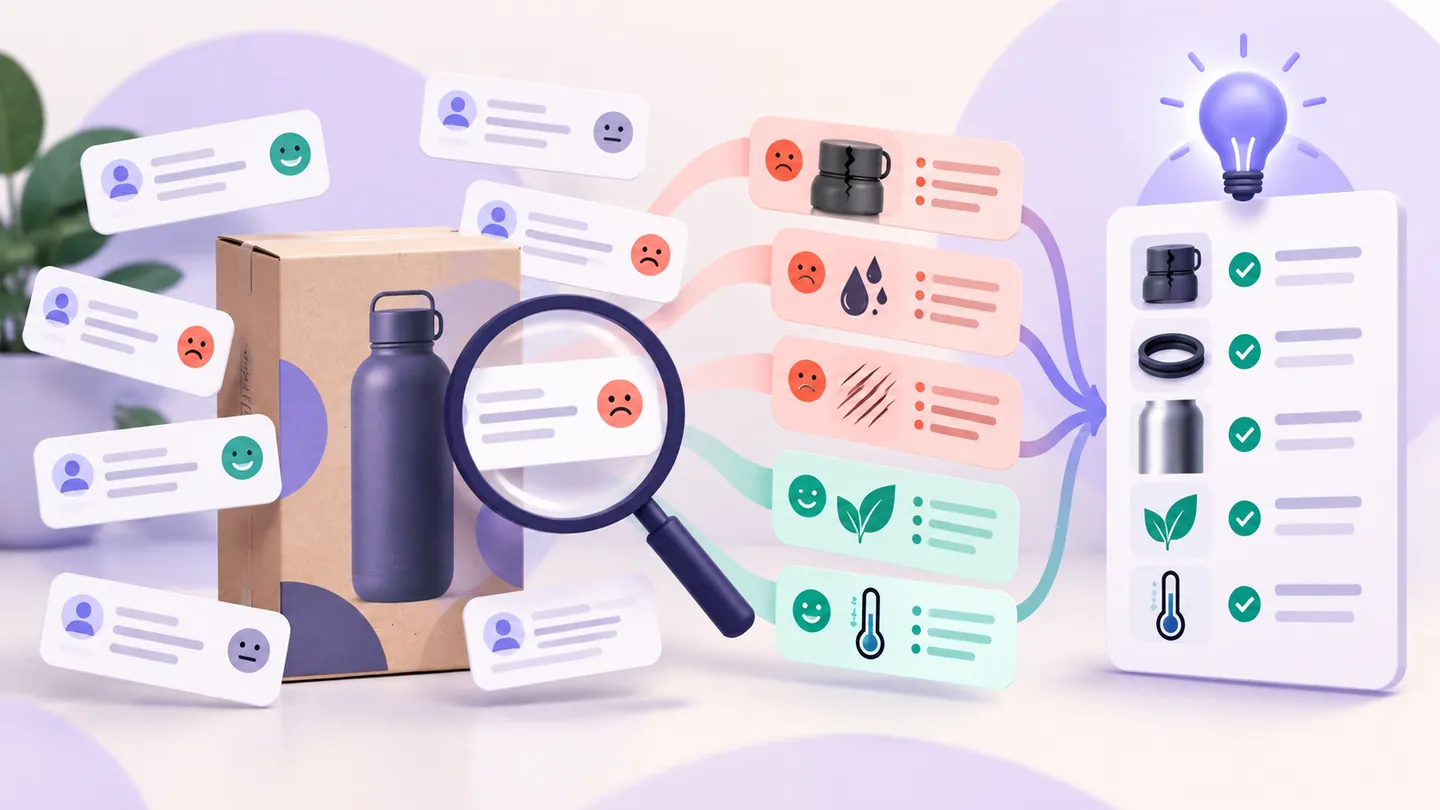
“Improve the listing” is not a useful creative brief. “Show the internal dimensions next to a familiar object because sampled buyers misunderstood capacity” gives a writer or designer something concrete to investigate.
Review analysis helps identify that question. The next step is to separate what the product needs to fix from what its presentation needs to explain. This guide shows how to make that distinction without turning a small review sample into an exaggerated claim.
Start with a traceable review sample
Choose an ASIN and marketplace, define the ratings you want to inspect, and retain the original comments alongside your notes. Record requested and returned review counts. A smaller-than-requested response should remain visible in the brief.
The Nexscope Amazon Review Analyzer offers a hosted starting point. Our review collection and analysis guide explains the workflow and sample limitations.
If you analyze a competitor, treat the findings as questions about your own product—not claims that your product is better. Verify your specifications and performance independently.
Separate three kinds of complaint
A product issue
A broken component or a repeated performance concern calls for inspection and testing. Better copy cannot repair a faulty product. Send the evidence to the product or quality team before making a marketing promise.
An expectation gap
The item may work as intended while its dimensions, compatibility or included accessories were unclear. Check the listing and physical product together. This is a candidate for a clearer image, explanation or specification.
A delivery or service issue
Late delivery, damaged packaging and support problems need their own investigation. Do not automatically rewrite product benefits to address an issue that belongs elsewhere.
Write a brief with evidence and a verification step
Use this structure for each proposed change:
| Brief field | Illustrative example |
|---|---|
| Buyer question | Will this container fit my intended portion? |
| Review evidence | Sampled comments describe a capacity mismatch; retain the exact sources |
| What we must verify | Internal dimensions, usable capacity and variation between samples |
| Proposed asset | A dimension image with a clearly labeled scale reference |
| Copy direction | Explain verified dimensions and intended use in plain language |
| Do not claim | Universal suitability or a capacity we have not measured |
| Validation | Product check, then evaluate the listing change using our own reporting |
This is a hypothetical example, not a result from a new product test. For a documented sample with explicit counts, see the Amazon review case study.
Give AI a constrained task
Instead of asking an AI model to “write a high-converting listing,” give it the evidence and boundaries:
Using only the supplied review excerpts and verified product specifications, identify buyer questions the listing should answer. For each question, cite the supporting excerpt, propose one copy or image change, and list what must be verified. Label unsupported interpretations as hypotheses. Do not invent product features or performance claims.
Read the source comments yourself before approving the brief. A fluent summary can still confuse a defect, an expectation gap and an unrelated complaint.
Choose one change to evaluate
Prioritize a specific, correctable misunderstanding. Define the outcome you will inspect in your own reporting and keep a record of other changes, such as price, promotion or stock availability.
A clearer listing may help shoppers make a better decision, but review analysis cannot predict an uplift percentage. Theme counts describe your collected sample, not the share of all customers experiencing a problem.
Move from comments to a useful next step
Start with the Amazon Review Analyzer. Build one evidence-backed brief, verify it with your product team, and decide what to test before changing the whole listing.
Last reviewed: 2026-09-17 · Maintained by the official Nexscope team.
Put your next idea to work.
Find a practical workflow, compare the options, or explore the APIs behind it.